
What Is an Altcoin Wallet and Why You Need One
Think of an altcoin wallet as your personal key ring for cryptocurrencies beyond Bitcoin. It doesn’t actually hold your coins—those live on various blockchains—but it manages the cryptographic keys that prove you own them and let you move them around.
Here’s what confuses people: your Ethereum, Solana, or Cardano tokens never physically enter your device. They’re always on their respective blockchains, visible to anyone with an explorer. Your wallet just keeps the private keys that authorize transactions from your addresses. No keys means no access, even if your balance shows up on every blockchain scanner out there.
Self-custody altcoin storage puts you in direct control of these keys instead of handing them to Coinbase or Binance. You become your own bank. No middleman can freeze your account, limit withdrawals, or disappear with your money during a bankruptcy.
With a non-custodial altcoin wallet, you shoulder every bit of security responsibility. Lose your keys? There’s no password reset button. No support ticket will save you. This isn’t a bug—it’s the entire point of cryptocurrency. You trade convenience for sovereignty.
When should you bother? If you’re holding crypto longer than a few weeks, if you want to use DeFi protocols, or if your portfolio has grown beyond what you’d feel comfortable leaving with a third party. Remember FTX in 2022? Users learned the hard way that “not your keys, not your coins” isn’t just a catchy slogan.
The collapse locked away billions while customers watched helplessly. That’s not theoretical risk—it keeps happening across this industry.
How Altcoin Wallets Work
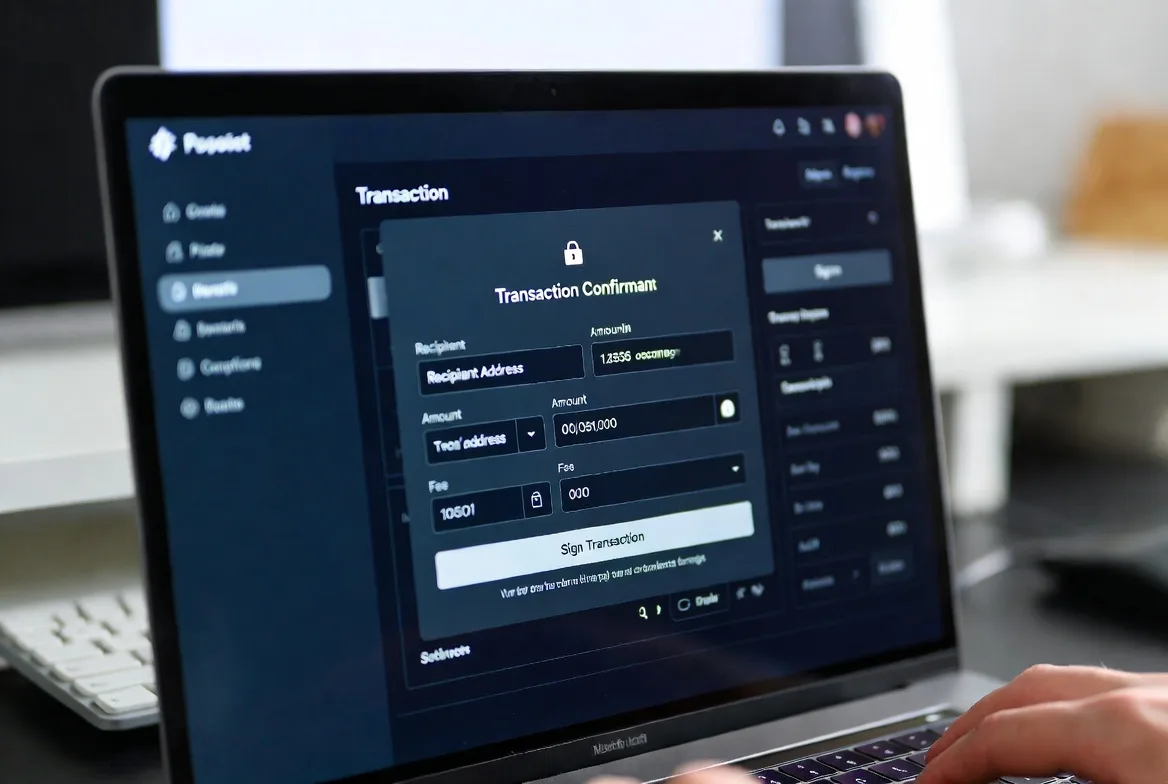
Public-key cryptography powers every wallet in existence. You get two mathematically linked keys: a public one (your address) that works like a bank account number anyone can see, and a private one that acts as your signature stamp. Control the private key, control the funds. It’s that simple and that absolute.
When you send crypto, your wallet creates a digital signature using your private key. This proves you authorized the transaction without broadcasting the key itself—just the mathematical proof that you have it. Miners or validators verify this signature, confirm the transaction, and cement it into the blockchain permanently.
The seed phrase for altcoin wallet recovery comes from a random number generator when you first configure your wallet. Most wallets follow the BIP-39 standard, converting a huge random number into 12 or 24 dictionary words. You might see words like “dragon,” “sunset,” or “particle”—each one represents part of your master key.
Got a broken phone? Lost hardware wallet? Enter those words into any compatible wallet, and boom—full access restored. Your actual coins never moved. They’re sitting on their blockchains as always. The seed phrase just rebuilds the keys that unlock them.
Different blockchains speak different languages. Ethereum addresses start with “0x” and run 42 characters. Solana uses base-58 encoding with mixed-case letters and numbers. A multi-coin crypto wallet handles these format differences behind the scenes, though they’re all following the same basic principle: private keys sign transactions, public keys receive money.
Some altcoins demand specialized wallet software. Monero’s privacy features require different cryptographic approaches than Bitcoin’s transparency. Ethereum needs wallets that understand smart contracts and can interact with decentralized apps, not just send simple transfers. Always verify your specific coin works with your chosen wallet before sending funds.
Types of Altcoin Wallets You Can Use
Hardware Wallets for Altcoins
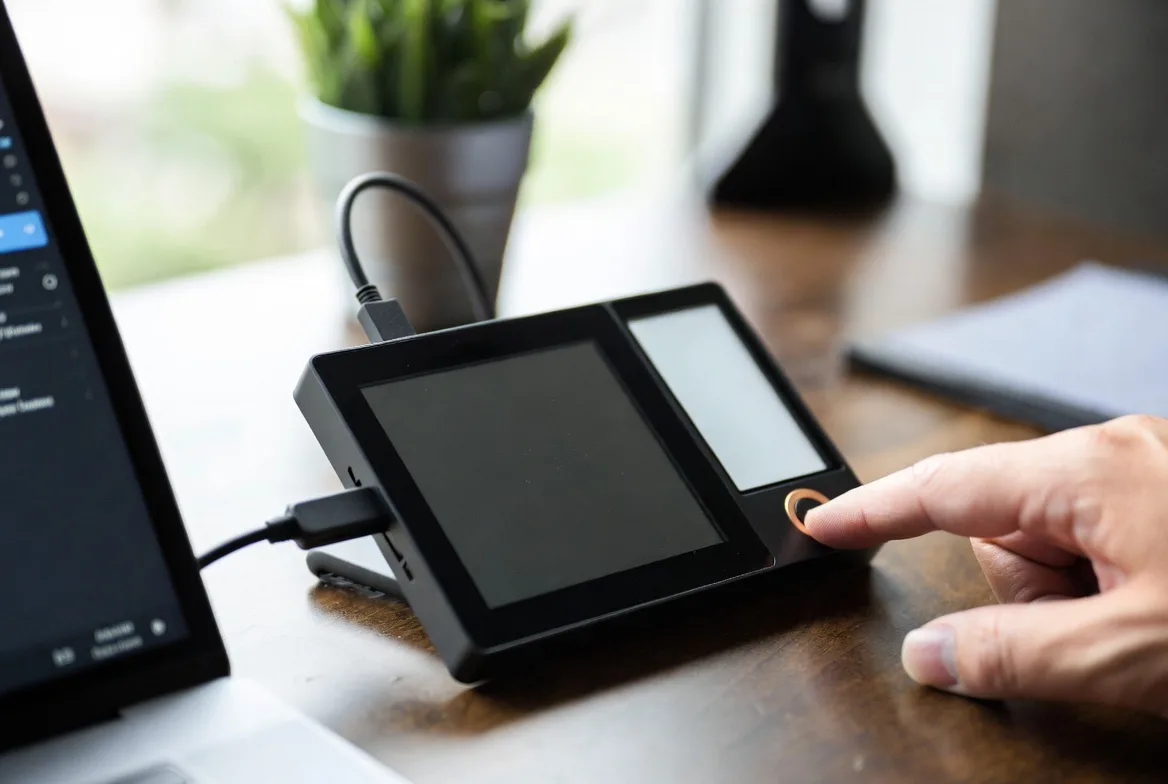
Picture a specialized USB drive with a single job: keeping your private keys completely isolated from internet-connected devices. Hardware wallets use tamper-resistant chips that perform cryptographic signing internally, sending only the completed signature to your computer. Your private key never crosses that air gap.
This cold storage approach shuts down remote attacks almost entirely. Malware on your laptop? Doesn’t matter—it can’t reach keys that exist only inside the hardware device. Phishing site? You’ll notice when the device shows you’re signing a transaction to a different address than expected.
Ledger and Trezor dominate this market, supporting hundreds of altcoins between them. But “hundreds” doesn’t mean “all”—newer projects might not have integration yet. Always confirm your exact coins work with the model you’re eyeing before dropping $60 to $250 on a device.
The tradeoff? Convenience takes a hit. Want to make a transaction? Better have that physical device handy. Day trading becomes annoying when you need to plug in hardware every time. But for long-term holdings worth protecting, this friction becomes a feature. It forces deliberate action instead of impulsive moves.
Software Wallets for Altcoins
Applications that run directly on your phone or computer, storing encrypted keys on the device itself. You get instant access without fumbling for additional hardware—perfect for people who transact regularly or interact with DeFi protocols daily.
Desktop options like Exodus or Atomic Wallet pack in portfolio tracking and built-in swaps. They’re solid choices if you manage crypto primarily from one machine and want robust features without hardware hassles.
Mobile wallets prioritize speed and accessibility. Trust Wallet, MetaMask Mobile, and Phantom have won over users who need crypto on the go or frequently use decentralized applications. Scan a QR code, approve a transaction, done.
But here’s the catch: these are hot wallets—connected to the internet and only as secure as the device hosting them. Malware can theoretically extract your keys. Phone theft or a compromised computer could mean game over. Your security entirely depends on your device hygiene.
Browser extensions like MetaMask split the difference. They offer quick access to web3 applications while maintaining slightly better isolation than mobile apps. If you’re using Uniswap, Aave, or any Ethereum-based platform, you’ll probably end up with MetaMask installed.
Multi-Coin Crypto Wallets
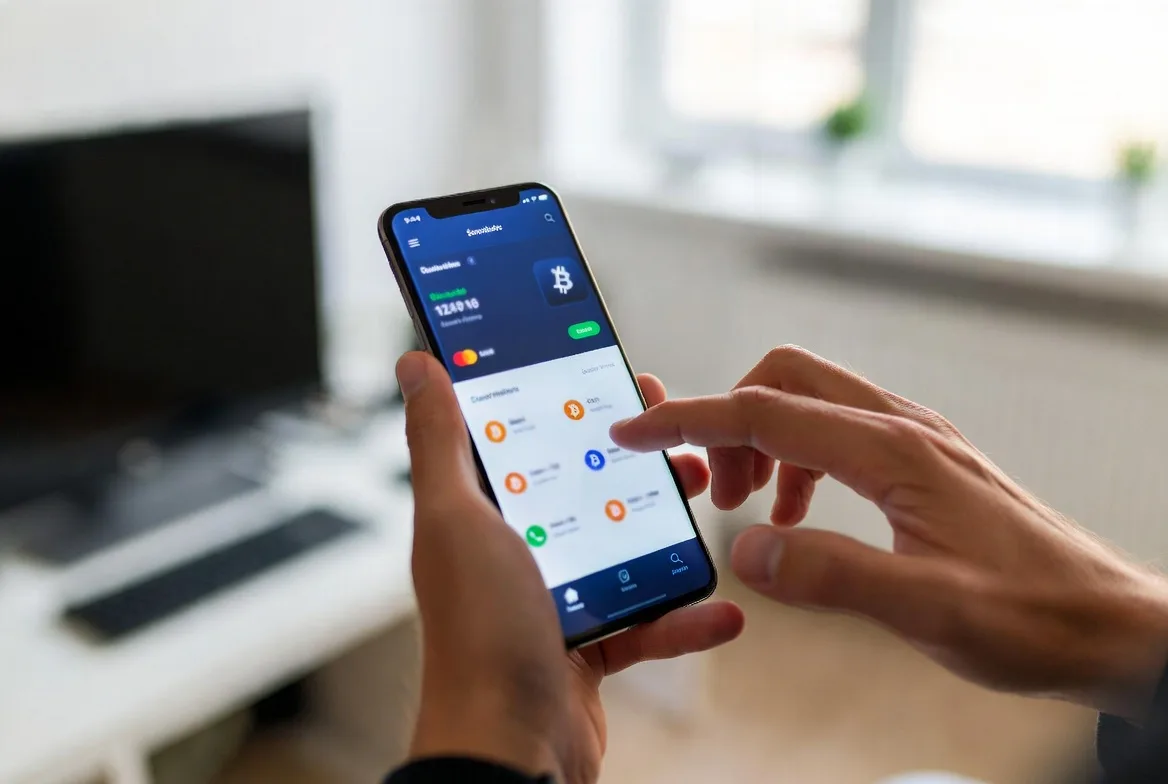
Why juggle five different wallet apps when one handles everything? A multi-coin crypto wallet supports multiple blockchains in a single interface, automatically detecting which network you’re using based on address format.
The best ones in 2026 support hundreds of different chains and tokens. They handle the technical mess of varying protocols so you don’t have to think about it. Sending to an Ethereum address? It knows. Solana address? It switches networks automatically.
Some go the custodial route—the company holds your keys and lets you recover access through standard login credentials. Coinbase Wallet (custodial version) and Crypto.com follow this path, targeting users who’d rather trust a company than risk losing a seed phrase.
Others stay non-custodial. You get your seed phrase during setup, full stop. The developers can’t touch your funds, can’t reverse transactions, can’t help if you lose access. Pure self-custody with all its benefits and terrors.
| Wallet Type | Security Level | Cost | Ease of Use | Best For |
|---|---|---|---|---|
| Hardware wallets | Very High | $60-$250 | Takes effort | Holding long-term, serious money |
| Desktop software | Medium | $0 | Pretty smooth | Regular users, medium amounts |
| Mobile wallets | Medium | $0 | Dead simple | Daily transactions, DeFi stuff |
| Exchange/custodial | Low to Medium | $0 | Couldn’t be easier | Total beginners, active traders |
Altcoin Wallet Security Best Practices
Altcoin wallet security lives or dies on how you handle your seed phrase. Those 12-24 words represent complete control over your funds. Anyone who gets them can drain your accounts from anywhere on Earth, no other access needed.
Write it on paper or stamp it into metal. That’s it. Not in your camera roll. Not in Apple Notes. Not in Google Drive, LastPass, or that encrypted USB stick you think is clever. Every digital copy creates an attack surface. One breach, one hack, one cloud compromise—everything’s gone.

Physical backups need redundancy but thoughtful redundancy. Sure, keep one at home in a fireproof safe. But what about the catastrophic scenarios? House fire, flood, earthquake. Some folks stash a second copy at their parents’ house. Others use bank safety deposit boxes. A few split their phrase using Shamir’s Secret Sharing, though that’s advanced territory where mistakes multiply.
Enable two-factor authentication on any account connected to your crypto activities—email addresses, exchange accounts, even your phone carrier. But use authenticator apps like Authy or Google Authenticator, never SMS codes. SIM swap attacks have become criminally popular. Hackers call your carrier pretending to be you, port your number to their device, intercept your 2FA codes.
Phishing absolutely dominates as the attack vector of choice. Scammers clone legitimate wallet sites pixel-perfect, buy similar domain names, then trick users into entering seed phrases or approving malicious transactions. Always type URLs manually. Bookmark the real sites. Never click links in unsolicited emails or Discord messages claiming to be from wallet support.
Protecting 24 words on paper is the price of admission for self-custody. Can’t do that? You’re not ready to be your own bank. But master that one task, and you’ve achieved financial sovereignty our ancestors couldn’t imagine.
Andreas Antonopoulos
Test your recovery process before disaster strikes. Set up a wallet, write down the seed phrase, then deliberately delete everything and restore from backup. This dry run catches recording mistakes—wrong words, incorrect order, illegible handwriting—while you can still fix them. Don’t wait until your phone dies at 2 AM to discover you wrote “abandon” when the real word was “ability.”
Keep software updated religiously. Developers patch security holes and add altcoin support constantly. Hardware wallets especially need firmware updates—skipping them means known vulnerabilities remain exploitable long after researchers published the fixes publicly.
Physical security matters too. Hardware wallets protect your keys beautifully, but a weak PIN leaves you vulnerable if someone steals the device. Use maximum-length PINs. Enable passphrase features if your wallet supports them. Understand your specific model’s anti-tampering mechanisms.
How to Choose an Altcoin Wallet
Start with your actual holdings. Only Ethereum, Solana, and Polygon? Every decent wallet covers those. Deep into obscure DeFi tokens or new Layer-1 chains? Compatibility becomes your primary filter. Some wallets cast wide nets supporting thousands of tokens. Others specialize in specific ecosystems.
Security features should match your technical ability and account value. Hardware wallets deliver maximum protection but demand you learn operational security properly. Software wallets sacrifice some security for convenience but require excellent device hygiene. Under $1,000? Quality software probably suffices. Above $5,000? Hardware becomes worth the hassle and expense.
Ease of use gets dismissed by security hardliners, but user error kills more funds than sophisticated hacks. A super-secure wallet you misuse provides less real protection than a moderately secure one you operate correctly. New to crypto? Start with an intuitive software wallet. Graduate to hardware as your holdings and confidence grow.
Cost means more than sticker price. Hardware wallets hit you with $60-$250 upfront, then last for years. “Free” software wallets sometimes hide transaction fees or integrate expensive exchanges. Read the fine print before committing substantial funds.
Platform compatibility enters the picture if you use multiple devices. Some wallets span Windows, Mac, Linux, iOS, and Android seamlessly. Others lock you to one or two platforms. Cloud-synced wallets offer convenience but introduce trust—you’re betting on their encryption and server security.
Recovery options separate vendors significantly. Standard BIP-39 seed phrases work across most wallets, letting you switch providers freely. Proprietary recovery systems trap you in one vendor’s ecosystem. That might be acceptable for custodial convenience-focused wallets. For self-custody, it contradicts the whole point.
Community reputation signals ongoing support. Active development means security updates, bug fixes, and new blockchain support. Abandoned projects leave you exposed when researchers discover vulnerabilities. Check GitHub activity, read recent user reviews, verify the team still engages actively.
Common Altcoin Wallet Mistakes to Avoid
Taking photos of seed phrases might be the most expensive mistake in crypto. People screenshot their recovery words, save them in note apps, or email them “for backup.” These digital copies become catastrophic single points of failure. Hacked phone? Compromised email? Every coin instantly accessible to attackers.
Keeping serious money on exchanges contradicts crypto’s fundamental purpose. Sure, exchanges offer convenience, but regulatory seizures, business failures, and insider theft happen regularly. General rule: only amounts you’re actively trading belong on exchanges. Everything else should live in self-custody where you control the keys.
Skipping recovery testing is like buying fire insurance without checking if the policy’s actually valid. People carefully record seed phrases, then never verify they wrote them correctly. Years later, needing to restore their wallet, they discover missing words, typos, or scrambled order. Five minutes of testing during initial setup prevents this preventable nightmare entirely.
Outdated firmware on hardware wallets is an open invitation to hackers. Manufacturers constantly discover and patch security issues—running old firmware means attackers can exploit vulnerabilities that have been publicly disclosed and documented. Set quarterly calendar reminders to check for updates. Follow the manufacturer’s official process exactly, never download firmware from third-party sites.
Giving seed phrases to trusted people doubles your attack surface for zero benefit. “My spouse should have access in emergencies” sounds reasonable until you realize two people now need perfect security instead of one. Want inheritance planning? Use proper solutions: multisignature wallets requiring multiple approvals, or encrypted instructions stored with estate documents.
Address reuse makes your transaction history trivially easy to analyze. Some blockchains like Bitcoin function fine with reuse, but privacy-focused ones like Monero deliberately use one-time addresses. Learn your specific chain’s best practices instead of assuming all blockchains work identically.
Dusting attacks send tiny amounts of crypto to your address, then track where you move funds afterward, mapping your transaction patterns. Better wallets filter out dust automatically, but recognizing this attack vector helps you spot suspicious activity before it compromises your privacy.
Network confusion causes permanent loss. Send Ethereum tokens to a Binance Smart Chain address with the wrong network selected? Those funds typically vanish forever, trapped in an address on the wrong chain. Multi-coin wallets help by clearly displaying which network you’re using, but you must verify before hitting confirm.
FAQs
Depends what you’re doing. Just trading short-term on Coinbase? Their custodial wallet probably handles it fine. But once your holdings reach “I’d be legitimately upset if this disappeared” levels, self-custody becomes critical. Exchange hacks and bankruptcies have vaporized billions since Bitcoin launched. Your own wallet also unlocks DeFi protocols, staking opportunities, and features unavailable through exchange accounts. Plus you actually own your crypto instead of hoping the exchange honors withdrawal requests.
Your crypto becomes inaccessible forever. Period. Without your seed phrase or a device still running your wallet, those coins are permanently locked. No customer support resets this. No password recovery flow exists. The coins sit visible on the blockchain, tantalizingly displayed in every explorer, but unreachable without the private keys. This harsh reality makes seed phrase backup absolutely non-negotiable for self-custody. There’s no safety net.
Got more than $5,000 in crypto? Hardware wallets become cheap insurance at $60-$250 against the malware, phishing, and device compromise risks plaguing software wallets. Below that amount, or if you’re constantly trading and need quick access, software wallets stay practical. Many experienced users run both: hardware for the bulk of holdings they’re storing long-term, software for spending money and active trading. It’s not either/or.
Modern multi-coin crypto wallets handle dozens to hundreds of different cryptocurrencies through one app. They manage technical differences between blockchain protocols behind a clean interface so you’re not juggling separate apps for each coin. But “hundreds” doesn’t mean “every coin in existence”—always verify compatibility before transferring funds. Some specialized altcoins, particularly privacy-focused ones or those with unique technical requirements, might need dedicated wallet software written specifically for them.
Custodial means a company holds your keys, basically like a bank holding your cash. You log in with username and password. Forgot your credentials? Support can help you recover access. Non-custodial hands you a seed phrase and says “you’re on your own.” Complete sovereignty, complete responsibility. Neither is objectively better—they serve different priorities and risk tolerances. Trust yourself more than institutions? Go non-custodial. Value convenience and fear losing access? Custodial makes sense.
Install the same wallet app (or any compatible alternative supporting your seed phrase format) on your new phone or computer. Choose “restore existing wallet” instead of “create new” during setup. Type your seed phrase exactly as you recorded it—correct words, correct sequence. The wallet regenerates all your private keys mathematically and displays your balances. This works because your coins never left their blockchains. The wallet just rebuilt the keys proving you own them.
Altcoin wallets are gatekeepers to financial autonomy. Picking the right one means honestly assessing your security skills, the value you’re protecting, and your willingness to accept responsibility for both.
Yes, there’s a learning curve. But it’s not Mount Everest. Start small with a user-friendly software wallet. Practice transactions with amounts you wouldn’t cry over losing. Test your backup and recovery process. Build good security habits while the stakes stay low. As your portfolio and confidence grow, migrate to hardware wallets and more sophisticated protection.
This space evolves fast. New wallet types emerge. Security features improve. User experiences get polished. Stay informed, but don’t lose sight of timeless fundamentals: control your private keys, protect your seed phrase like it’s the combination to a vault full of cash, and never trust unsolicited messages claiming you need to “verify” your wallet.
Your altcoin wallet opens doors to decentralized finance, supports blockchain projects directly, and maintains your financial independence. Time invested in understanding and securing it properly pays back exponentially in safety and capability throughout your entire crypto journey.